Wedding invitations with each guest's name on them
No more printed cards lost or photocopied: every guest receives their personal invitation on WhatsApp, confirms in one tap, and shows their QR code at the entrance.
First 10 invitations free · then 75 FCFA per guest · no account · MTN MoMo or Orange Money
You're invited
Sandrine & Paul's wedding
Saturday 12 December · Yaoundé
Confirm your attendance
One invitation per guest
The guest's name (and table number, if the design includes it) appears on their invitation. A forwarded or copied invitation only lets one person in.
You know who is coming
Each guest confirms whether they are coming and how many people are with them. You follow the answers live to plan seats and catering.
Checked at the entrance
Your hosts scan the QR codes with their phone: invitations already used are flagged. No more gatecrashers at the reception.
In four steps
- 01
Describe the event
Title, date, venue, then the invitation design you like.
- 02
Add your guests
Paste your list (name and phone), type them in one by one or import an Excel file.
- 03
Pay with Mobile Money
MTN MoMo or Orange Money. Invitations are generated as soon as payment is confirmed.
- 04
Send on WhatsApp
One button per guest prepares the message with their personal link. All you have to do is send it.
Choose your design
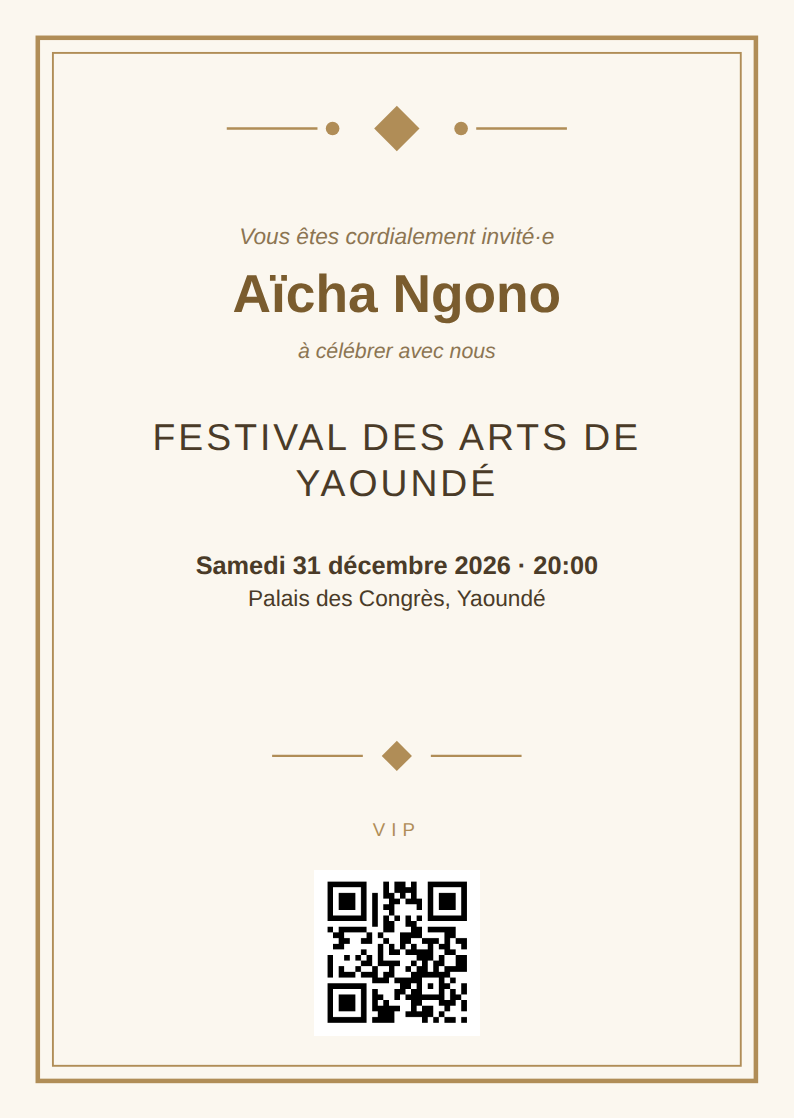
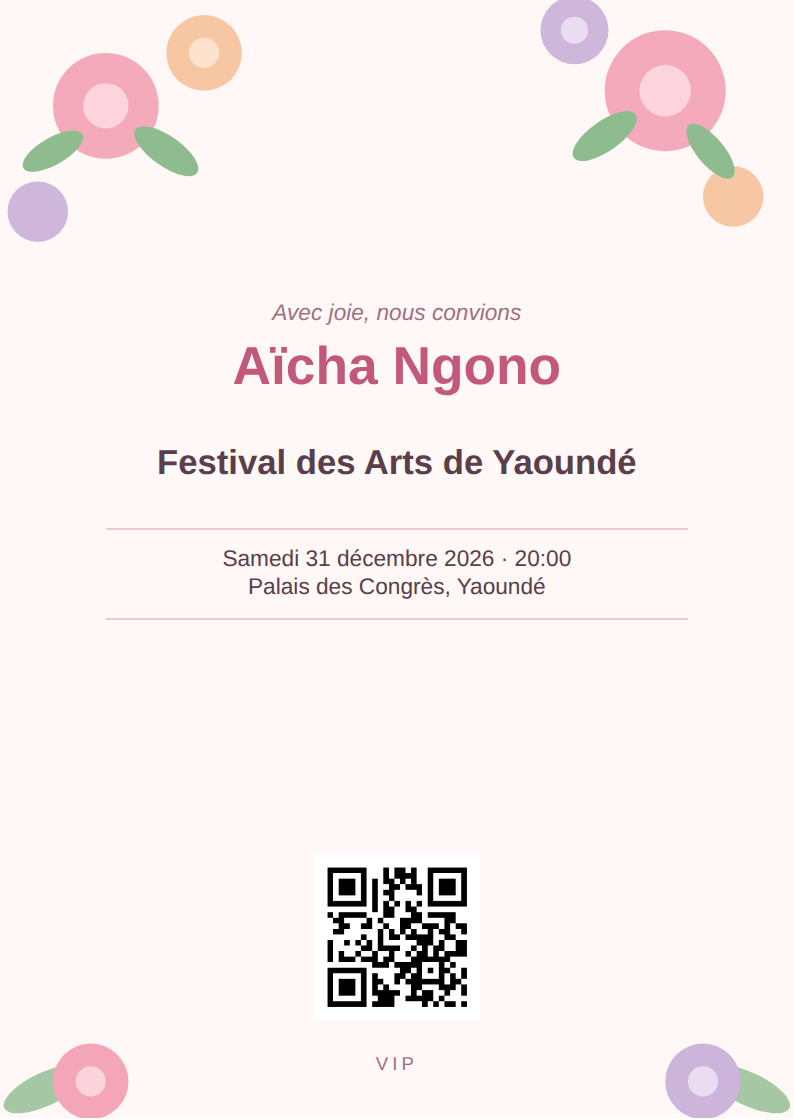
75 FCFA per guest
- With an included EVENUM design. A marketplace creator's design adds its own price per guest, shown before payment.
- Your first batch: up to 10 invitations free, nothing to pay (once per phone number, with an EVENUM design).
- A paid order is billed for at least 20 guests (10 of them free on your first batch); a smaller batch is accepted and billed as 20.
- Example: 100 guests = 7,500 FCFA, or 6,750 FCFA on your first batch.
- One-off payment with MTN MoMo or Orange Money, no subscription.
Terms: Terms of use · refunds
Frequently asked questions
›Do my guests need to install an app?
No. Each guest receives a personal link that opens in their browser, straight from WhatsApp. They find their invitation there, can download it as a PDF and confirm whether they are coming.
›Do I need to create an account?
No. You can order without an account: at the end you receive a recovery code to keep with your phone number, so you can find your order again. If you organize events often, a free account keeps everything in one place.
›How do I send the invitations?
After payment, EVENUM shows the list of your guests with, for each one, a WhatsApp button that prepares the message with their personal link. You send it yourself, from your phone.
›What about the big day?
Each invitation carries a unique QR code. Your hosts scan it with their phone, with no app to install: an invitation that has already been used is flagged.